For many avid readers, the Kindle Ereader isn’t just a device; it’s a gateway to an expansive literary universe. Among Amazon’s impressive lineup, the Kindle Paperwhite stands out as a beloved mid-range option, perfectly balancing premium features with an accessible price point. If you’re looking to dive into the world of digital reading or upgrade your current device, the Kindle Paperwhite offers an unparalleled experience that mimics traditional paper while providing all the conveniences of modern technology. This guide will help you understand what makes the Paperwhite so special and how to choose the perfect one for your reading journey.
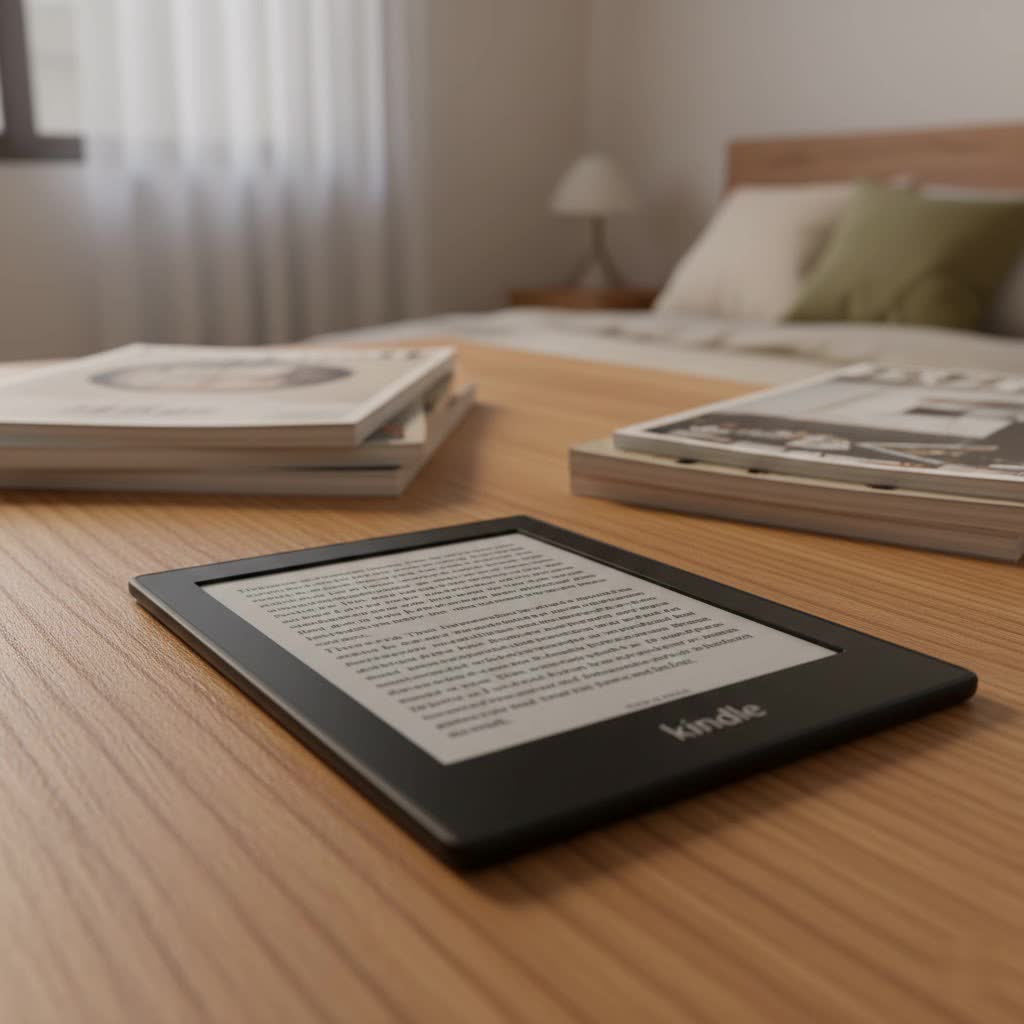
The journey of the Kindle Ereader began in 2007, revolutionizing how people consume books. From its rudimentary beginnings, featuring a basic E-Ink display and physical keyboard, the Kindle has continuously evolved. Key technological advancements, particularly in screen quality, lighting, and battery efficiency, have shaped its development, pushing the boundaries of what an e-reader can offer. These innovations have profoundly impacted the digital publishing landscape, making e-books a mainstream and convenient alternative to physical books.
The Unique Technology Behind Kindle Ereaders
At the heart of every Kindle Ereader, and particularly shining in the Paperwhite, is the remarkable E-Ink technology. This display, designed to mimic the appearance of ink on paper, offers a reading experience that is gentle on the eyes and virtually glare-free, even in bright sunlight. Unlike backlit LCD screens found in tablets and phones, E-Ink uses tiny microcapsules containing charged particles, reflecting ambient light rather than emitting it. This significantly reduces eye strain and allows for extended reading sessions without discomfort.
The Kindle Paperwhite further enhances this experience with its built-in adjustable warm light. With multiple LEDs, it allows you to shift the screen tone from white to amber, making reading more comfortable in low-light conditions and reducing blue light exposure, which can disrupt sleep patterns. Additionally, the Paperwhite boasts an IPX8 waterproofing rating, meaning it can withstand immersion in fresh water, providing peace of mind for poolside or bathtub reading. Other features like X-Ray for deeper book insights, an integrated dictionary, and seamless note-taking capabilities further enrich the reading experience, making every book an interactive journey.
Comparing the Current Kindle Ereader Lineup
Choosing the right Kindle means understanding the distinct advantages of each model, with the Paperwhite often hitting the sweet spot for many users.
- Kindle (Standard): This is the entry-level option, offering a straightforward e-reading experience. It’s the most affordable, compact, and lightweight, making it ideal for casual readers or those on a budget. It typically features a 6-inch screen with 167 ppi resolution and a basic front light but lacks warm light and waterproofing.
- Kindle Paperwhite: Positioned as the most popular choice, the Paperwhite delivers significant upgrades over the basic Kindle. It features a larger, higher-resolution 6.8- or 7-inch 300 ppi display, adjustable warm light, and IPX8 waterproofing. Its faster performance and longer battery life make it an excellent all-rounder for dedicated readers.
- Kindle Oasis: The premium offering, the Oasis is characterized by its ergonomic, asymmetrical design, physical page-turn buttons, and a 7-inch 300 ppi screen. It also includes adjustable warm light and waterproofing. While offering a luxurious feel, it’s often considered less value-for-money compared to the Paperwhite due to its higher price and older hardware (like Micro-USB charging), and it hasn’t seen a recent update.
- Kindle Scribe: The latest addition, the Scribe, is designed for those who want more than just reading. With a substantial 10.2-inch 300 ppi display, it allows users to read, write, and annotate directly on documents and books using a stylus. While excellent for productivity and larger content, it is the most expensive and not waterproof.
Detailed Comparison of Kindle Models
|
Our Picks for the Best Kindle Ereader in 2026
As an Amazon Associate I earn from qualifying purchases.
|
||
| Num | Product | Action |
|---|---|---|
| 1 | Amazon Kindle Paperwhite 16GB (newest model) – 20% faster, with new 7" glare-free display and weeks of battery life – Jade + 3 Months of Kindle Unlimited (with auto-renewal) |

|
| 2 | Amazon Kindle Paperwhite Signature Edition 32GB (newest model) – 20% faster with auto-adjusting front light, wireless charging, and weeks of battery life – Metallic Jade |
|
| 3 | Amazon Kindle 16 GB (newest model) - Lightest and most compact Kindle, now with faster page turns, and higher contrast ratio, for an enhanced reading experience - Matcha |
|
| 4 | Amazon Kindle 16 GB (newest model) - Lightest and most compact Kindle, now with faster page turns, and higher contrast ratio, for an enhanced reading experience - Black + 3 Months of Kindle Unlimited (with auto-renewal) |
|
| 5 | Amazon Kindle 16 GB (newest model) - Lightest and most compact Kindle, now with faster page turns, and higher contrast ratio, for an enhanced reading experience - Matcha + 3 Months of Kindle Unlimited (with auto-renewal) |
|
| 6 | Amazon Kindle 16 GB (newest model) - Lightest and most compact Kindle, now with faster page turns, and higher contrast ratio, for an enhanced reading experience - Black |
|
| 7 | Amazon Kindle Paperwhite 16GB (newest model) – 20% faster, with new 7" glare-free display and weeks of battery life – Raspberry + 3 Months of Kindle Unlimited (with auto-renewal) |
|
| 8 | Amazon Kindle Colorsoft 16 GB (newest model) – With paper-like color display that brings stories to life – No Ads – Black |
|
| 9 | Amazon Kindle Paperwhite 16GB (newest model) – 20% faster, with new 7" glare-free display and weeks of battery life – Black |
|
| 10 | Amazon Kindle Paperwhite 16GB (newest model) – 20% faster, with new 7" glare-free display and weeks of battery life – Black + 3 Months of Kindle Unlimited (with auto-renewal) |
|
| Feature | Kindle | Kindle Paperwhite | Kindle Oasis | Kindle Scribe |
|---|---|---|---|---|
| Screen | 6 inch, 167 ppi | 6.8-7 inch, 300 ppi | 7 inch, 300 ppi | 10.2 inch, 300 ppi |
| Water Resistance | No | Yes (IPX8) | Yes (IPX8) | No |
| Front Light LEDs | 4 | 17 | 25 | 35 |
| Adjustable Warmth | No | Yes | Yes | Yes |
| Internal Storage | 16GB | 8GB/16GB/32GB (16GB std.) | 8GB/32GB | 16GB/32GB/64GB |
| Stylus Support | No | No | No | Yes |
| Page Turn Buttons | No | No | Yes | No |
| USB Port | USB-C | USB-C | Micro-USB | USB-C |
| Price | Most Affordable | Mid-Range | Premium | Highest |
Your Guide to Choosing the Right Kindle Ereader
Selecting the perfect Kindle Ereader hinges on understanding your personal reading habits and priorities.
First, define your reading needs. Are you a casual reader who primarily reads text-based novels, or do you enjoy graphic novels, comics, or PDFs that benefit from a larger screen? Do you read mostly at home or do you take your e-reader to the beach, pool, or on public transport? Your environment might dictate the need for features like waterproofing or compact size.
Next, consider your budget. While the basic Kindle is the most wallet-friendly, the Kindle Paperwhite offers a significant upgrade in features for a moderate price increase, often providing the best value. The Oasis and Scribe sit at the higher end, catering to specific desires like physical buttons or note-taking capabilities.
Finally, evaluate essential features. If reading in bed is a priority, adjustable warm light is a game-changer. For peace of mind around water, waterproofing is a must. If you tend to download many audiobooks or a vast library, higher storage options are important. Always read recent reviews and compare prices from various reputable sources to make an informed decision.
Where to Purchase Your Kindle Ereader
For reliability and the best customer service, purchasing your Kindle Paperwhite directly from Amazon is often recommended. They frequently offer sales and trade-in programs for older Kindles. Major electronics retailers also carry Kindles, providing an opportunity to see the devices in person. Always verify the seller’s warranty and return policies to ensure a smooth purchase experience.
Essential Tips for Using and Maintaining Your Kindle Paperwhite
Maximizing your Kindle Paperwhite experience involves a few simple tips for usage and care:
- Proper Charging: Use the provided USB-C cable and a compatible power adapter. While the battery life is extensive (up to 10-12 weeks on a single charge), avoid constantly leaving it plugged in to prolong battery health.
- Screen Care: Clean the E-Ink screen with a soft, lint-free cloth. Avoid abrasive materials or harsh chemicals that could damage the display.
- Software Updates: Keep your Kindle’s software updated to ensure optimal performance, access to new features, and security patches. Connect to Wi-Fi regularly to allow automatic updates.
- Protective Case: Invest in a good quality cover to protect your device from accidental drops and scratches. Many cases also offer sleep/wake functionality.
- Display Cover: For ad-free Kindle models, you can set the cover of the book you’re currently reading as your lock screen. Go to “All Settings” > “Device Options” > “Display Cover” and toggle it on.
- Dark Mode & Warm Light Scheduling: For comfortable nighttime reading, enable Dark Mode (white text on a black background) and schedule your warm light to automatically adjust the screen’s color temperature as evening approaches.
- Font Customization: Pinch in or out on the screen to quickly adjust the font size. You can also tap the ‘Aa’ icon in the toolbar to change font style, weight, and line spacing to suit your preference.
- Page Turn Animation: For a smoother visual transition between pages, enable the page-turn animation feature found in the ‘Aa’ settings under ‘More’.
- Show Clock While Reading: If you often lose track of time while engrossed in a book, you can enable a persistent clock display at the top of the page via the ‘Aa’ settings.
- Organize with Collections: Create custom collections to categorize your vast library. This helps keep your home screen tidy and makes finding specific books easier.
- Vocabulary Builder: This feature automatically saves words you look up in the dictionary, allowing you to review them later and expand your vocabulary.
- Quick Screenshots: Tap any two opposing corners of the screen simultaneously (e.g., top-right and bottom-left) to capture a screenshot, saved as a PNG.
- Effortless Chapter Navigation: Swipe up from the bottom of the screen to activate Page Flip mode, allowing you to quickly skim through pages or jump between chapters without losing your current reading spot.
Troubleshooting Common Kindle Paperwhite Issues
Even with the best devices, occasional issues can arise. Here are some common problems and their solutions:
- Kindle Frozen/Unresponsive: A common fix is a hard reboot. Hold down the power button for a full 30 seconds until the device restarts. Release the button and wait a minute or two for it to boot up.
- Books Not Indexed/Search Not Working: If your search function is disabled or slow, it might be an indexing issue. Try rebooting. If the problem persists, a factory reset (after backing up any side-loaded content) can often resolve it.
- Rapid Battery Drain: Ensure Wi-Fi and Bluetooth are turned off when not in use. Lowering the screen brightness and warmth settings can also conserve power. Check for any stuck indexing processes, as these can drain the battery.
- Poor Wi-Fi Connectivity: Try restarting your router and your Kindle. If the issue continues, ensure your Wi-Fi network settings are compatible and that your Kindle’s software is up to date.
In-Depth Look: The Kindle Paperwhite (2024 Edition)
The latest Kindle Paperwhite, often referred to as the 11th or 12th generation (depending on region and incremental updates), continues to solidify its position as the go-to e-reader for most. The 2024 model builds on its predecessors’ success by offering a slightly larger 7-inch, 300 ppi glare-free E-Ink display, providing even more text on a single page. Performance is notably snappier, with Amazon claiming up to 20-25% faster page turns, making navigation and reading smoother than ever. The device retains its crucial IPX8 waterproofing, adjustable warm light with 17 LEDs, and a robust battery life of up to 10-12 weeks. With USB-C charging, it aligns with modern device standards. This iteration is lauded for its improved responsiveness and screen clarity, delivering a near-perfect reading experience that justifies its “Editors’ Choice” recognition from many tech reviewers.
Kindle Ereaders vs. Other Digital Reading Devices
While Kindles dominate the e-reader market, competitors like Kobo, Nook, and Onyx Boox offer alternatives. Kobo devices, for instance, are known for their strong library integration and open ecosystem for various file formats. Nook caters primarily to Barnes & Noble customers. Onyx Boox devices, running on Android, offer more versatility and app support, including note-taking capabilities. However, Kindle’s unparalleled integration with Amazon’s vast ecosystem—including the Kindle Store, Goodreads, and Audible audiobooks—often makes it the most convenient and feature-rich choice for many readers.
Conclusion: Which Kindle Ereader Should You Buy?
The Kindle Ereader family offers a diverse range of devices, each tailored to different needs and budgets. While the basic Kindle is excellent for new e-reader users seeking affordability, and the Kindle Scribe appeals to those desiring note-taking functionality on a large display, the Kindle Paperwhite consistently emerges as the ultimate recommendation for the majority of readers. Its harmonious blend of a high-resolution, glare-free E-Ink screen, adjustable warm light, waterproofing, extended battery life, and responsive performance offers exceptional value. It delivers a premium reading experience without the premium price tag of the Oasis or Scribe. If you’re looking for the best all-around e-reader that promises countless hours of comfortable, immersive reading, the Kindle Paperwhite is an investment you won’t regret.
What’s your favorite feature of the Kindle Paperwhite that enhances your reading experience?
Frequently Asked Questions
What is the latest Kindle Paperwhite model?
The latest model is typically referred to as the 11th generation or the 2024 edition, featuring a 7-inch 300 ppi display, adjustable warm light, and USB-C charging. It was released to general acclaim for its improved speed and screen.
Is the Kindle Paperwhite waterproof?
Yes, the Kindle Paperwhite has an IPX8 rating, meaning it is designed to withstand accidental immersion in up to two meters of fresh water for up to 60 minutes. This makes it ideal for reading by the pool, at the beach, or in the bath.
Does the Kindle Paperwhite have a warm light setting?
Absolutely. The Kindle Paperwhite includes an adjustable warm light feature, which allows you to shift the screen tone from a cool white to a warm amber. This is particularly beneficial for reading in the evening or at night, as it reduces blue light exposure and promotes better sleep.
How long does the Kindle Paperwhite battery typically last?
The Kindle Paperwhite boasts an impressive battery life. With typical usage, including reading for about 30 minutes a day with the wireless off and the light setting at 13, a single charge can last up to ten to twelve weeks. Actual battery life can vary based on usage patterns and light settings.
Is the Kindle Paperwhite worth upgrading to from a basic Kindle?
For many, the upgrade to a Kindle Paperwhite from a basic Kindle is highly worthwhile. The Paperwhite offers a significantly sharper 300 ppi display, a larger screen, adjustable warm light for enhanced comfort, and waterproofing, all of which contribute to a more premium and versatile reading experience.
