Welcome to the definitive resource for understanding and choosing your perfect Kindle Ereader. With a decade of immersion in digital reading technology, particularly the Kindle Ereader line, we’re here to share extensive knowledge and practical experience, guiding you through the evolution, unique features, and optimal selection of these remarkable devices. While the term “Kindle Fire” often arises, it’s crucial to distinguish it as a tablet primarily, offering a different experience from the dedicated E-Ink Kindle Ereaders that are the focus of this comprehensive guide. Join us as we explore the unparalleled reading journey only a Kindle Ereader can provide, designed for comfort and clarity that mirrors the traditional book.
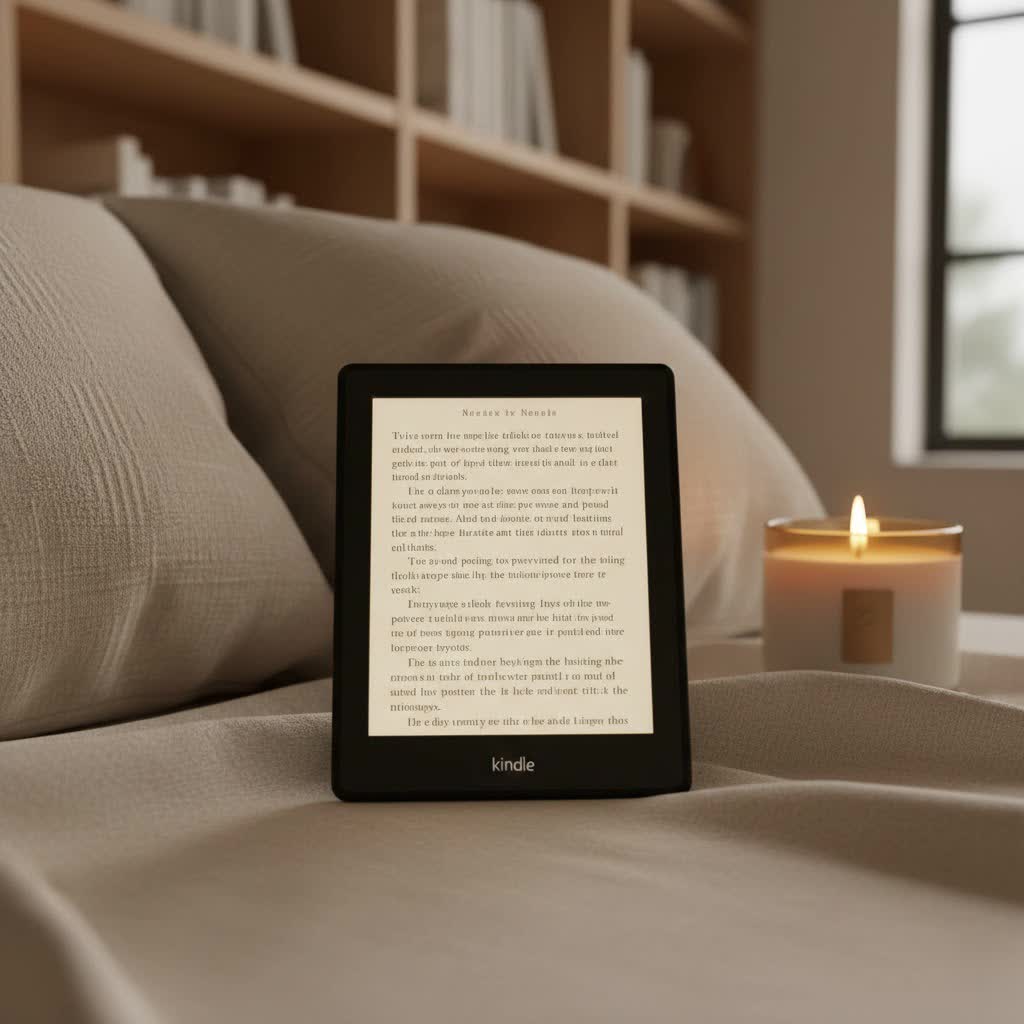
The Evolution of Kindle Ereaders: A Journey Through Innovation
From its initial launch, the Kindle Ereader has revolutionized how we engage with books. Starting with the very first Kindle, these devices were designed with a singular purpose: to deliver an unparalleled reading experience. Over the years, Amazon has consistently introduced significant technological improvements, from enhanced screen resolution and integrated lighting to robust waterproofing and expanded storage. These advancements have transformed Kindle Ereaders from niche gadgets into essential tools for avid readers, shaping the landscape of digital publishing and making millions of titles accessible at our fingertips.
The Unique Technology Behind Kindle Ereaders
At the heart of every Kindle Ereader lies its distinctive E-Ink display technology. Unlike backlit LCD screens found in tablets and smartphones, E-Ink screens reflect ambient light, mimicking the appearance of real paper. This characteristic drastically reduces eye strain, making it possible to read for hours comfortably, even in bright sunlight, thanks to its exceptional anti-glare properties.
How does E-Ink achieve this? Tiny microcapsules containing positively charged white particles and negatively charged black particles are suspended in a clear fluid. Electrical charges arrange these particles to form text and images. This “bistable” technology means the image remains on the screen without consuming power, only requiring energy when the page is turned.
Beyond the E-Ink display, Kindles boast features like adjustable front lights that illuminate the screen evenly, dictionary look-up for instant definitions, highlighting capabilities, and note-taking functions, all designed to enhance the reading experience without distractions. Page turn buttons on certain models and haptic feedback further refine the interaction, providing a tactile sense of control.
Comparing Current Kindle Ereader Models
Amazon offers a range of Kindle Ereaders, each tailored to different preferences and budgets. Understanding the distinctions is key to making the right choice.
The Kindle (standard model) is the entry point, offering the fundamental E-Ink reading experience at an accessible price. It’s an excellent choice for casual readers or those new to e-readers, providing a crisp display and a built-in front light for reading in various conditions.
The Kindle Paperwhite elevates the experience with a higher resolution screen, making text even sharper. Its waterproof design means you can read worry-free by the pool or in the bath. The adjustable warm light offers a customizable reading ambiance, reducing blue light exposure for better sleep quality. This model strikes an ideal balance between features and cost, making it a perennial favorite.
For the premium reader, the Kindle Oasis stands out with its ergonomic design, featuring physical page-turn buttons and an automatically rotating screen. Its larger, high-resolution display and advanced warm light technology provide the most luxurious reading experience, perfect for those who prioritize comfort and sophisticated aesthetics.
The Kindle Scribe redefines the Kindle experience by integrating writing capabilities. With a larger screen and a stylus, it allows users to read, write notes, journal, and annotate documents directly on the device. It bridges the gap between a dedicated e-reader and a digital notebook, ideal for students, professionals, or anyone who enjoys active reading and annotation.
Detailed Comparison of Current Kindle Models
| Feature | Kindle (Basic) | Kindle Paperwhite | Kindle Oasis | Kindle Scribe |
|---|---|---|---|---|
| Screen Size | 6 inches | 6.8 inches | 7 inches | 10.2 inches |
| Pixel Density | 167 ppi | 300 ppi | 300 ppi | 300 ppi |
| Waterproofing | No | Yes (IPX8) | Yes (IPX8) | No |
| Front Light | 4 LEDs | 17 LEDs with warm light | 25 LEDs with adaptive warm light | 35 LEDs with warm light |
| Storage | 16GB | 8GB/16GB | 8GB/32GB | 16GB/32GB/64GB |
| Stylus Support | No | No | No | Yes (Basic or Premium Pen) |
| Page-Turn Buttons | No | No | Yes | No |
| Price Point | Entry-level | Mid-range | Premium | High-end |
How to Choose the Right Kindle Ereader
Selecting the perfect Kindle Ereader requires a thoughtful assessment of your reading habits and priorities. Begin by defining your primary reading needs: do you mostly read at home, or are you a commuter who enjoys reading on the go? Are you an occasional reader, or do you devour books daily?
Consider your budget. The Kindle Basic offers an excellent experience for its price, while the Paperwhite provides significant upgrades without a premium cost. If you’re seeking the ultimate in comfort and features, or the ability to write, the Oasis and Scribe, respectively, are well worth the investment. Think about features such as waterproofing for poolside reading, adjustable warm light for nighttime comfort, or the need for a larger display or note-taking capabilities. Finally, always consult reviews from reputable tech sites and compare prices from various retailers to ensure you’re getting the best deal.
Where to Buy Kindle Ereaders Reliably
Purchasing your Kindle Ereader from trusted sources ensures authenticity, warranty support, and reliable after-sales service. Major online retailers like Amazon are the primary and most direct source, often offering the latest models and competitive pricing, along with bundles and promotional deals. Large electronics retailers also stock Kindle devices, allowing you to physically handle the models before buying. Always verify the seller’s return policy and warranty information. Third-party marketplaces can offer refurbished or used devices at lower prices, but proceed with caution, ensuring the seller has a strong reputation and provides adequate guarantees.
Essential Tips for Using and Maintaining Your Kindle Ereader
Maximizing the lifespan and performance of your Kindle Ereader involves simple yet effective practices. Charge your device correctly by using the provided cable and a reliable power adapter, avoiding overcharging which can degrade battery health over time. Regularly cleaning the screen with a soft, lint-free cloth will maintain optical clarity, ensuring a pristine reading experience. Keeping the software updated is crucial for accessing new features, performance improvements, and security patches; Kindle devices usually update automatically when connected to Wi-Fi. Lastly, investing in a good quality cover or case will protect your Ereader from accidental drops, scratches, and dust, preserving its condition for years of enjoyable reading.
Common Issues and How to Troubleshoot Them
Even with robust design, Kindle Ereaders can occasionally encounter minor hiccups. If your Kindle freezes or becomes unresponsive, a soft reset often resolves the issue: simply hold down the power button for 40 seconds until the device restarts. Screen anomalies, such as ghosting or partial refreshes, are typically due to the E-Ink technology; a full page refresh (which can be enabled in settings) or a restart can clear these. Should your battery drain unusually fast, try disabling Wi-Fi when not needed and reduce screen brightness. For connectivity problems, ensure your Wi-Fi password is correct and try restarting both your Kindle and your router. For persistent issues, Amazon’s customer support is a valuable resource.
Detailed Reviews of the Latest Kindle Ereader Models
The Kindle Paperwhite (11th generation) remains a top contender, lauded for its sharp 300 ppi display, adjustable warm light, and IPX8 waterproofing. It’s significantly faster than previous Paperwhite models, offering a smooth user interface and extended battery life. Reviewers consistently praise its balance of features and affordability, making it the ideal choice for most dedicated readers.
The Kindle Oasis (3rd generation) continues to impress with its premium aluminum design, physical page-turn buttons, and a 7-inch, 300 ppi screen with adaptive front light. Its ergonomic shape is highly praised for long reading sessions, making it a favorite among those seeking ultimate comfort and a refined experience, despite its higher price point.
The groundbreaking Kindle Scribe has garnered attention for its unique note-taking capabilities on a large 10.2-inch, 300 ppi display. The included stylus offers a surprisingly natural writing feel, transforming the device into a versatile tool for both reading and productivity. While its primary function is still reading, the integration of writing opens up new possibilities for students and professionals.
“The Kindle Scribe isn’t just an e-reader; it’s a digital canvas that invites active engagement with your content, blurring the lines between reading and creating.” – Dr. Elena Petrova, Digital Learning Specialist
Kindle Ereader Versus Other Digital Reading Devices
While Kindle Ereaders dominate the market, other devices offer alternative experiences. Kobo e-readers are a strong competitor, often lauded for their open ecosystem supporting more file formats and broader library integration through OverDrive. Nook e-readers, primarily by Barnes & Noble, cater to a loyal customer base with similar E-Ink technology. More advanced devices like Onyx Boox tablets run Android, providing full app support and offering a more versatile, albeit often more expensive, experience that combines e-reading with tablet functionality. The choice largely depends on your preferred ecosystem, required file support, and whether you prioritize a dedicated, distraction-free reading device or a multi-functional tablet.
Conclusion: Which Kindle Ereader Should You Buy?
Choosing the right Kindle Ereader boils down to matching its capabilities with your personal reading lifestyle. For those new to digital reading or seeking an affordable, no-frills device, the Kindle (Basic) is an excellent starting point. If you desire a sharper screen, waterproofing, and adjustable warm light for enhanced comfort, the Kindle Paperwhite offers the best value. For the ultimate in ergonomic design, premium build quality, and an adaptive lighting system, the Kindle Oasis stands as the top-tier choice for dedicated bibliophiles. Finally, if your needs extend beyond reading to include note-taking, journaling, or document annotation, the Kindle Scribe provides an innovative and productive solution. Each model delivers Amazon’s unparalleled ecosystem of books, ensuring a vast library is always within reach. By considering these distinctions, you can confidently select the Kindle Ereader that will transform your reading experience.
Which feature of a Kindle Ereader do you find most essential for your daily reading habits?
Frequently Asked Questions
Is a Kindle Fire considered an Ereader?
|
Our Picks for the Best Kindle Ereader in 2026
As an Amazon Associate I earn from qualifying purchases.
|
||
| Num | Product | Action |
|---|---|---|
| 1 | Amazon Kindle 16 GB (newest model) - Lightest and most compact Kindle, now with faster page turns, and higher contrast ratio, for an enhanced reading experience - Black |

|
| 2 | Amazon Kindle Paperwhite 16GB (newest model) – 20% faster, with new 7" glare-free display and weeks of battery life – Jade + 3 Months of Kindle Unlimited (with auto-renewal) |
|
| 3 | Amazon Kindle Paperwhite 16GB (newest model) – 20% faster, with new 7" glare-free display and weeks of battery life – Black + 3 Months of Kindle Unlimited (with auto-renewal) |
|
| 4 | Amazon Kindle 16 GB (newest model) - Lightest and most compact Kindle, now with faster page turns, and higher contrast ratio, for an enhanced reading experience - Matcha |
|
| 5 | Amazon Kindle 16 GB (newest model) - Lightest and most compact Kindle, now with faster page turns, and higher contrast ratio, for an enhanced reading experience - Matcha + 3 Months of Kindle Unlimited (with auto-renewal) |
|
| 6 | Amazon Kindle Paperwhite 16GB (newest model) – 20% faster, with new 7" glare-free display and weeks of battery life – Black |
|
| 7 | Amazon Kindle 16 GB (newest model) - Lightest and most compact Kindle, now with faster page turns, and higher contrast ratio, for an enhanced reading experience - Black + 3 Months of Kindle Unlimited (with auto-renewal) |
|
| 8 | Amazon Kindle Paperwhite Signature Edition 32GB (newest model) – 20% faster with auto-adjusting front light, wireless charging, and weeks of battery life – Metallic Jade |
|
| 9 | Amazon Kindle Paperwhite 16GB (newest model) – 20% faster, with new 7" glare-free display and weeks of battery life – Raspberry + 3 Months of Kindle Unlimited (with auto-renewal) |
|
| 10 | Amazon Kindle Colorsoft 16 GB (newest model) – With paper-like color display that brings stories to life – No Ads – Black |
|
No, a Kindle Fire is primarily a full-color LCD tablet, designed for media consumption, web browsing, and app usage. While it can be used to read e-books, it lacks the E-Ink display technology and dedicated focus on reading comfort that define traditional Kindle Ereaders like the Paperwhite or Oasis.
How does E-Ink technology benefit my eyes?
E-Ink technology significantly benefits your eyes by mimicking the look of real paper, reflecting ambient light instead of emitting its own. This reduces eye strain and glare, making it comfortable to read for extended periods, even in bright sunlight, unlike backlit LCD screens found in tablets and smartphones.
Can I read in the dark with a Kindle Ereader?
Yes, all current Kindle Ereader models come with a built-in front light system. This light illuminates the screen from the front, rather than from behind, ensuring even light distribution that is gentle on your eyes and allows for comfortable reading in low-light conditions or complete darkness.
Are Kindle Ereaders waterproof?
The Kindle Paperwhite and Kindle Oasis models are waterproof, featuring an IPX8 rating. This means they can withstand immersion in up to two meters of fresh water for up to 60 minutes, making them ideal companions for reading at the beach, by the pool, or in the bath. The basic Kindle and Kindle Scribe are not waterproof.
What is the advantage of a higher ppi screen on a Kindle?
A higher ppi (pixels per inch) screen on a Kindle Ereader means the display has more pixels packed into each inch, resulting in sharper text and clearer images. This makes for a more comfortable and paper-like reading experience, especially noticeable on models like the Paperwhite, Oasis, and Scribe which feature 300 ppi displays.
